
Share with AI
Open this article in your assistant
Ask ChatGPTAsk PerplexityAsk ClaudeAsk GeminiAsk DeepSeekAsk GrokHow to Rescale a Larger MAF Sensor Using ECU Tuning Software?
Why You Need a Bigger MAF Sensor in Engine Tuning and How to Recalibrate the ECU?
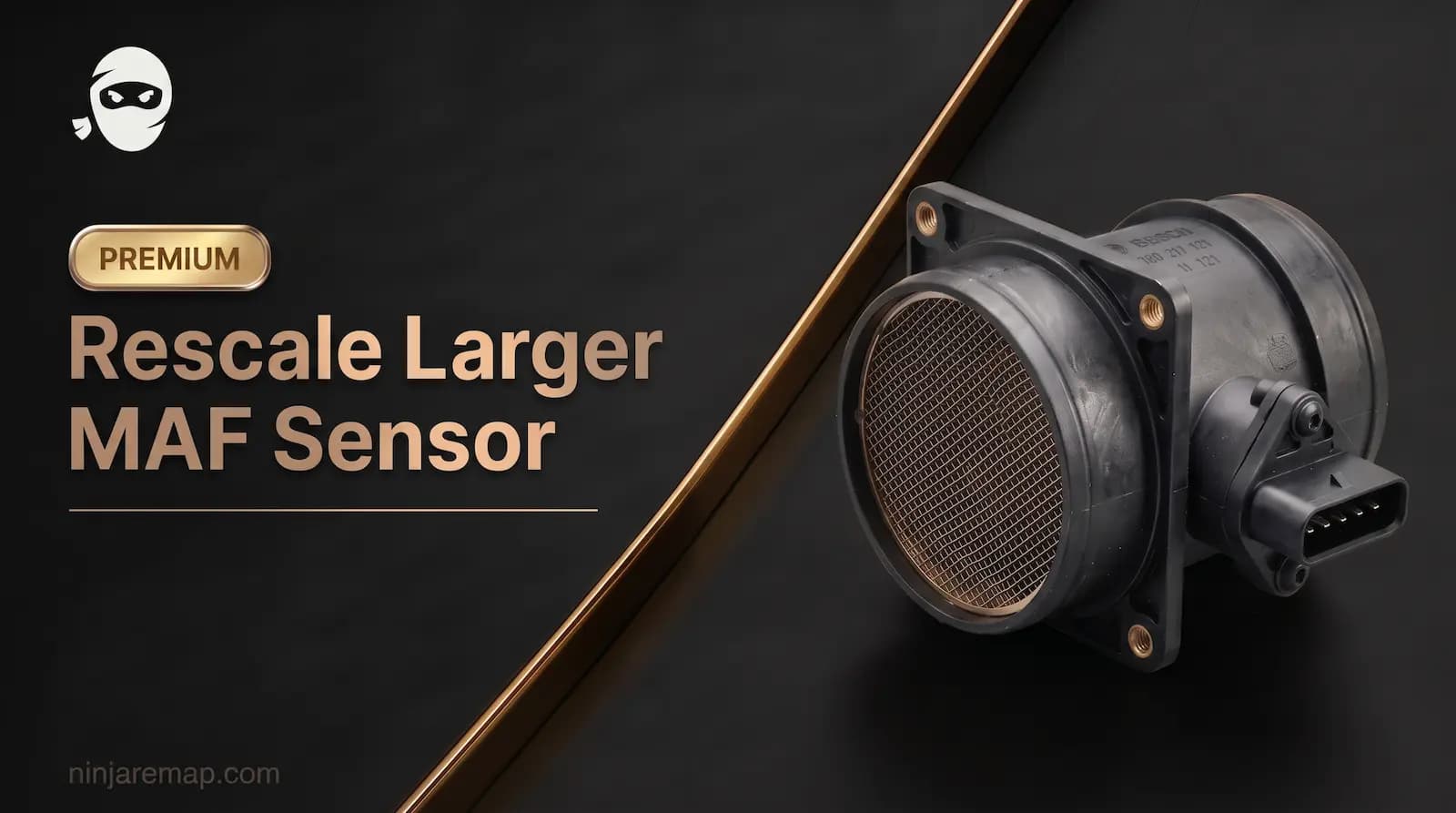
When we want to upgrade an engine and increase the engine's volumetric efficiency, one of the most important parameters that you may need to change in some engines is the MAF sensor. Yes, in engines that use the MAF sensor to calculate the air mass of the intake air, new calculations and calibrations must be performed. This component plays a main role in determining how much air is entering the cylinders , which directly impacts the air fuel ratio (AFR), boost control, and ignition timing and determined engine load . However, simply upgrading to a bigger MAF sensor is not enough, proper ECU recalibration is essential to ensure the new sensor operates efficiently and accurately. but in some engine with MAP sensor you don't need to calibrate map sensor.
In this article, we will discuss why and when a larger MAF sensor is necessary, how to recalibrate the ECU after the upgrade, and the calculating behind scaling the MAF table for optimal performance.
Why Do You Need a Bigger MAF Sensor?
The MAF sensor measures the amount of air entering the engine, converting the airflow into an voltage signal that the ECU can calculating air to determined engine function. This information helps the ECU determine the engine load for mathematics of fuel to inject, optimizing the air fuel ratio (AFR) for combustion and other things like spark advance or boost control.
Upgrading to a larger MAF sensor is essential when tuning an engine for more power, particularly after modifications like:
- Upgraded turbos or superchargers
- Larger intake systems
- Bigger injectors
- Higher boost levels
Simply put, any action in the engine that results in an increase in the air entering the engine must be defined for the MAF sensor.
These modifications increase the engine’s airflow capacity, which means the stock MAF sensor may max out at a voltage level too early, causing incorrect readings and fueling issues.
A larger MAF sensor allows the ECU to read higher airflow values without hitting the maximum voltage range. By changing this voltage, all ECU functions such as engine load are disrupted and must be calibrated.
Why Should You Recalibrate the MAF after Upgrading?
When you install a larger MAF sensor, the airflow to voltage relationship changes. The stock ECU is calibrated for a specific sensor size (large diameter) and and voltage range, so failing to recalibrate the ECU after upgrading the sensor can lead to significant problems:
1. Incorrect Air-Fuel Ratio (AFR): The ECU may miscount the airflow readings and calculating , leading to either a rich or lean Air/Fuel ratio and its very dangerous for engine.
2. Knock or Detonation: A mis calibrated MAF sensor can cause incorrect fuel (too lean mixture) delivery or advance timing, increasing the risk of engine knock and detonation.
3. Limp Mode or DTCs (Diagnostic Trouble Codes): The ECU may register an out of range MAF signal and trigger limp mode or throw error codes and engine Check light DTC , limiting the car’s performance or rough idle.
Thus, recalibrating the MAF scaling in the ECU ensures that the engine work safely , efficiently and without any error with the new sensor.
How to Recalibtate the MAF Sensor in the ECU?
Recalibrating the MAF sensor in the ECU involves rescaling the MAF transfer function (the voltage-to-airflow table) to match the characteristics of the new, larger MAF sensor. Here are the steps involved:
1. Obtain the New MAF Sensor's Specifications (data chart and spec): Make sure to gather the voltage to airflow characteristics (usually provided by the manufacturer).
2. Calculate the Scaling Factor: You need to calculate how much more airflow the new MAF can handle compared to the old MAF. This is determined by using the formula...
*If you want to change your MAF sensor, or even if you have already changed it and are looking to remap your car for better, more accurate, and more consistent performance, proceed via the link below.
*In this article, you will learn the scaling formula for aftermarket MAF sensors, and after reading it, you can change the MAF sensor tables according to the new numbers of your MAF sensor. The photos and examples used in this article are extracted from WinOLS and ECM Titanium software.
*At the end of the premium section of this article, we will examine MAF Scaling of 3 real examples from 3 different cars using the ECM Titanium software:
Audi S4
Seat Leon
BMW 3 Series (F30)
Note that this article is not about how to find MAF tables in the WinOLS software (because these maps can differ from each other in different ECUs). So, if you have found the tables related to the MAF sensor in the WinOLS software (in the ECM software, these tables are found and stored by default), you can use this article. Also, if you cannot find the MAF table in the software, you can message our support team so that our experts can help you with this.
 Premium ContentUnlock this section to read the full guide.
if you encounter any issues during the article purchase process, feel free to contact us viaWhatsAppor NinjaRemapEmail.